Imagine settling into your living room, wanting just the gentle breeze of your ceiling fan without the bright overhead light, or perhaps needing ample illumination without the fan blades spinning. Achieving this independent control over your ceiling fan and its integrated light kit is a common desire for homeowners, offering enhanced comfort and energy efficiency. While many ceiling fans come with pull chains or a single wall switch controlling both functions, wiring them separately provides the flexibility to operate each component exactly as needed. This guide will walk you through the process of wiring your ceiling fan and light independently using two wall switches, ensuring you have the detailed steps and safety information to tackle this home improvement project.
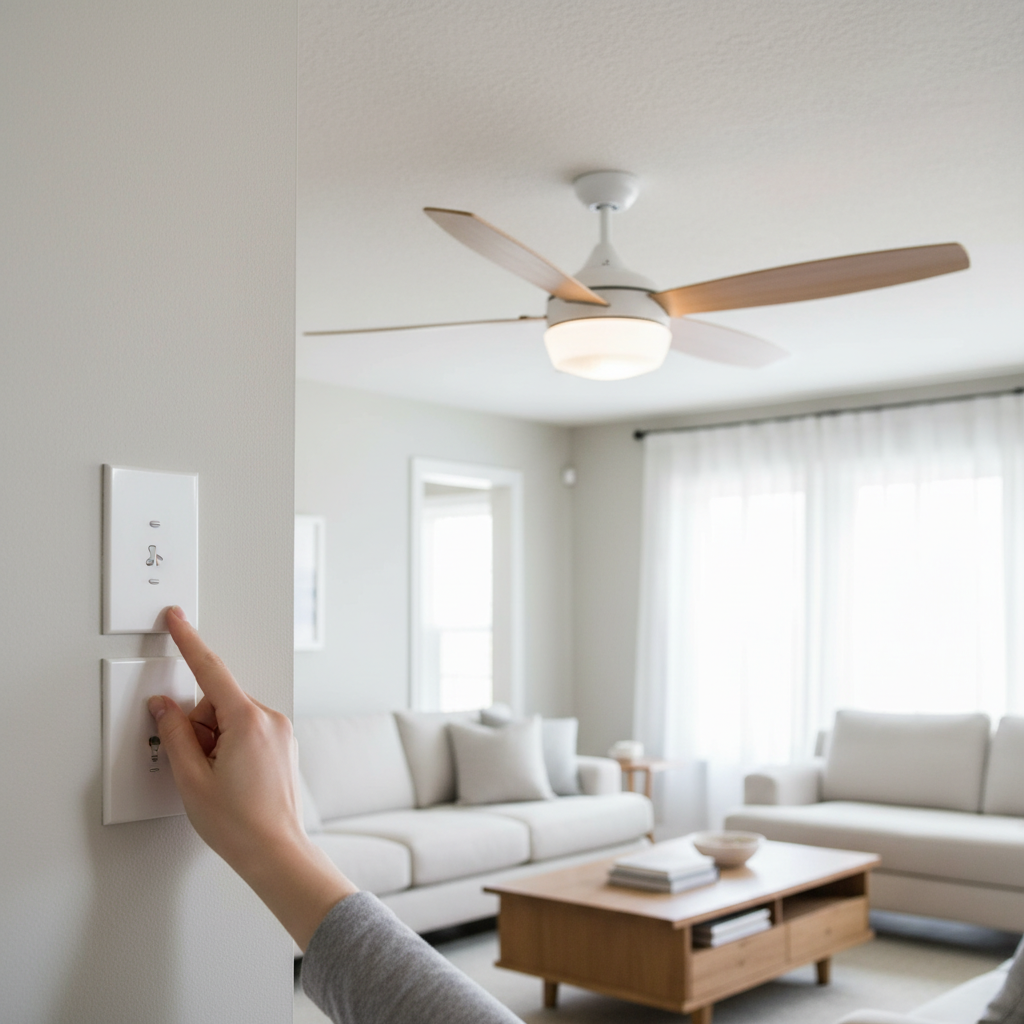
Understanding Your Wiring Needs: The 3-Wire Cable
The foundation for independent control lies in the electrical cabling connecting your wall switch box to your ceiling fan box. For separate operation, you will almost always need a 3-conductor (plus ground) electrical cable, commonly referred to as 14/3 or 12/3 Romex. This type of cable provides two “hot” wires, a neutral wire, and a ground wire, allowing you to send independent power feeds to the fan motor and the light kit.
- Black Wire: Typically serves as one of the “hot” wires, often designated for the fan motor.
- Red Wire: The second “hot” wire, typically used to power the light kit.
- White Wire: This is the neutral wire, essential for completing the circuit for both the fan and the light.
- Bare Copper or Green Wire: The ground wire, a crucial safety component that provides a path for fault current.
|
Our Picks for the Best Living room ceiling light in 2026
As an Amazon Associate I earn from qualifying purchases.
|
||
| Num | Product | Action |
|---|---|---|
| 1 | 33" Modern Chandelier Ceiling Light Fixture, 12-Light Sputnik Chandeliers Brushed Gold and Black Mid Century Chandelier Over Table, Height Adjustable Chandeliers for Dining Room Living Room Kitchen |

|
| 2 | Modern Ceiling Light, 36.2'' LED Dimmable Acrylic Square 6+1 Rings Ceiling Lights with Remote, Black Flush Mount Ceiling Light Fixture for Low Ceiling Bedroom Living Room Dining Room, 130W |
|
| 3 | Shine LUEST Modern LED Ceiling Light, Dimmable LED Chandelier Flush Mount Ceiling Lights, Remote Control Acrylic Ring Ceiling Lamp Fixture for Living Room Dining Room Bedroom (White, 8 Rings) |
|
| 4 | RUIYEY Modern Chandelier Ceiling Light Fixture Sputnik Chandeliers Gold and Black Farmhouse Chandelier Over Table 12-Light Height Adjustable Chandeliers for Dining Room, Living Room,Kitchen Island |
|
| 5 | Modern LED Ceiling Light 7 Rings Dimmable Fixtures with Remote Black Close to Ceiling Light 31.8" 130W 3000K-6500K Flush Mount Ceiling Lamp for Living Room,Bedroom,Kitchen |
|
| 6 | Shine LUEST Modern LED Ceiling Light Fixture Black Kitchen Lighting Fixtures Ceiling for Bedroom 31.5" Dimmable 6 Ring Square Ceiling Light for Kitchen with Remote Control for Living Room,Dining Room |
|
| 7 | MEIXISUE Gold Modern Sputnik Chandelier Ceiling Light Fixtures,6-Lights Industrial Metal Semi Flush Mount Ceiling Light for Bedroom Dining Room Living Room Kitchen Hallway UL Listed |
|
| 8 | Amico 24 Pack 6 Inch 5CCT Ultra-Thin LED Recessed Ceiling Light with Junction Box, 1050LM Brightness, Dimmable Canless Wafer Downlight, 12W, ETL&FCC |
|
| 9 | Modern LED Ceiling Light for Bedroom 31.5" Black Kitchen Lighting Fixtures Ceiling 3000-6500K Dimmable Square Ceiling Light with Remote Control for Living Room, Dining Room, Kitchen |
|
| 10 | 36W Modern LED Ceiling Light Fixture, 19.7Inch Curved Wave Ceiling Lamp with Remote for Bedroom, Kitchen, Hallway, Foyer Library Dining Room Silver 6000K Modern Ceiling Light Fixture |
|
If your existing wiring from the switch box to the ceiling box only contains a 2-conductor cable (black, white, and ground), you will need to replace it with a 3-conductor cable. This upgrade is critical because a 2-conductor cable only provides one switched hot wire, meaning both the fan and light would operate from a single switch.
Essential Tools and Safety Precautions
Before beginning any electrical work, safety is paramount. Always gather your tools and prepare your workspace carefully.
Essential Tools:
- Voltage Tester (Non-contact or Multimeter): Absolutely crucial for verifying that power is off.
- Wire Strippers: For safely removing insulation from wires.
- Screwdrivers (Phillips and Flathead): For switch terminals and fan assembly.
- Wire Nuts: To secure electrical connections.
- Electrical Tape: For insulating connections and labeling wires.
- Needle-Nose Pliers: Useful for bending wires into loops for terminal screws.
- Step Ladder: For safe access to the ceiling box.
Safety Precautions:
- Turn Off Power: Locate the circuit breaker that controls the ceiling fan and light fixture, and flip it to the “OFF” position. It’s advisable to also place a piece of electrical tape over the breaker switch or a “DO NOT OPERATE” tag to prevent accidental reactivation.
- Verify Power is Off: Use your voltage tester to confirm that no power is present in the wires at both the switch box and the ceiling box before touching any wires. Test multiple wires to be absolutely sure.
- Local Codes: Always check and adhere to your local electrical codes and regulations. If you are unsure or uncomfortable at any point, do not hesitate to consult a qualified electrician.
- Read Instructions: Carefully read the installation instructions provided with your specific ceiling fan and light kit, as there may be model-specific nuances.
Step-by-Step Wiring Guide: The Switch Box
The switch box is where the incoming power is split to control the fan and light independently.
- Prepare the Wires: With the power confirmed off, carefully remove the old switch (if applicable) and pull the wires forward from the switch box. You should identify the incoming power cable (usually 2-conductor: black, white, ground) and the 3-conductor cable (black, red, white, ground) running up to the ceiling fan.
- Connect Incoming Hot to Switches: The black wire from your incoming power cable is the constant hot feed. You need to connect this single hot wire to both of your new wall switches.
- Create a pigtail: Cut a short length of black wire. Strip both ends. Connect one end of this pigtail and the incoming hot black wire to a single wire nut.
- From this wire nut, run two separate black wires (or use a special jumper for certain switches) to the “line” or “input” terminal on each of your two wall switches. This ensures both switches receive constant power.
- Connect Switched Hot for Fan: Take the black wire from the 3-conductor cable that goes to the ceiling. Connect this wire to the “load” or “output” terminal of the switch you designate for the fan.
- Connect Switched Hot for Light: Take the red wire from the 3-conductor cable that goes to the ceiling. Connect this wire to the “load” or “output” terminal of the switch you designate for the light.
- Connect Neutrals: Gather all white (neutral) wires in the switch box: the white wire from the incoming power cable, and the white wire from the 3-conductor cable going to the ceiling. Twist them together securely with a wire nut.
- Connect Grounds: Connect all bare copper or green (ground) wires together, including the ground wire from the incoming power, the ground wire from the 3-conductor cable, and any ground wires from the switches themselves. Use a wire nut for this connection.
- Mount Switches: Carefully tuck the wired connections back into the switch box, ensuring no bare wires are exposed. Securely mount your two wall switches into the box.
Step-by-Step Wiring Guide: The Ceiling Box
Now, move to the ceiling box where the fan and light fixture will be installed.
- Prepare Ceiling Wires: From the ceiling box, you should have the 3-conductor cable wires (black, red, white, and bare ground).
- Identify Fan/Light Wires: Your ceiling fan assembly will typically have its own set of wires:
- Black Wire: For the fan motor.
- Blue Wire: For the light kit (though sometimes it might be another color like red or striped).
- White Wire: For the fan/light neutral.
- Green or Bare Wire: For grounding the fan.
- Connect Hot Wires:
- Fan Connection: Connect the black wire from the ceiling box to the black wire of the fan motor. Secure with a wire nut. This connection will be controlled by the fan switch.
- Light Connection: Connect the red wire from the ceiling box to the blue (or light-designated) wire of the light kit. Secure with a wire nut. This connection will be controlled by the light switch.
- Connect Neutrals: Connect all white wires together: the white wire from the ceiling box, and the white wire from the ceiling fan. If your light kit has a separate white neutral wire, include that in this bundle. Secure with a wire nut.
- Connect Grounds: Connect all bare copper or green wires together: the ground wire from the ceiling box, and the ground wire from the ceiling fan. Secure with a wire nut.
- Secure Fan: Carefully tuck all wired connections into the ceiling box, ensuring they are clear of moving parts. Securely mount your ceiling fan to the ceiling box according to the manufacturer’s instructions.
Dealing with Remote Controls and Receivers
Many modern ceiling fans include a remote control system with a receiver unit installed within the fan’s canopy. If your fan has such a system and you wish to use wall switches for independent control, you need to consider a few points:
- Integrated Systems: Some remote systems are designed to entirely manage both fan speed and light dimming, making it challenging to wire the fan and light separately to wall switches without bypassing or removing the receiver.
- Bypassing the Receiver: If you want to use wall switches exclusively, you might be able to bypass the receiver for the light, connecting the light’s blue wire directly to the red switched hot wire from the wall, and then using the receiver only for the fan. However, this is only possible if the light kit is designed to accept line voltage directly without the receiver’s intervention (i.e., it doesn’t require low voltage from the receiver). Always consult your fan’s manual or an electrician for specific guidance on bypassing a receiver safely.
- Dedicated Wall Controls: For fans with complex remote systems, consider using a dedicated wall control unit provided by the fan manufacturer. These units are often designed to work with the fan’s receiver, allowing for integrated fan speed and light dimming control from a single wall plate.
Troubleshooting Common Issues
Even with careful installation, you might encounter issues. Here are some common problems and their potential solutions:
- Neither Fan Nor Light Works:
- Check the circuit breaker to ensure it’s “ON.”
- Verify all neutral (white) and ground connections in both boxes.
- Double-check that the incoming hot wire is correctly connected to both switches.
- Only Fan Works (or Only Light Works):
- Confirm that the correct switched hot wire (black for fan, red for light) is connected to its respective switch and the correct component (fan motor black, light kit blue).
- Ensure the corresponding switch is functioning correctly.
- Fan Hums or Wobbles:
- A humming fan could indicate an incompatible dimmer switch used for the fan (never use a dimmer on a fan motor; use a fan speed control).
- Wobbling often points to improper balancing or loose mounting.
“Safety should always be your top priority when working with electricity. A small oversight can lead to significant hazards. Always double-check your work, and if in doubt, call a professional.”
Conclusion
Wiring your ceiling fan and light separately transforms a basic fixture into a versatile household appliance, giving you independent control over airflow and illumination. By understanding the role of each wire, diligently following safety protocols, and meticulously connecting each component, you can successfully upgrade your home’s comfort and functionality. This project, while requiring careful attention to detail, is a rewarding one that puts you in command of your indoor climate and ambiance. Enjoy the newfound flexibility and convenience of your independently controlled ceiling fan and light!
Frequently Asked Questions
Can I use a single switch for both the fan and light if I want them to operate separately?
No, to achieve separate control for the fan and light, you must use two distinct wall switches. A single switch can only control both components simultaneously.
What if my ceiling box only has two wires (black, white, and ground)?
If your ceiling box only has a 2-conductor wire, you will need to run a new 3-conductor (14/3 or 12/3) wire from your switch box to the ceiling box to enable separate control. This might require more involved electrical work, potentially including opening walls.
Can I put a dimmer switch on the ceiling fan?
You should never use a dimmer switch for the fan motor itself. Dimmers are designed to vary voltage for lights, and applying them to a fan motor can cause humming, damage the motor, or even pose a fire hazard. Use a dedicated fan speed control switch for adjusting fan speed.
What wire gauge should I use for separate fan and light wiring?
For most residential applications, 14/3 wire is suitable for a 15-amp circuit, and 12/3 wire is used for 20-amp circuits. Always ensure the wire gauge matches the amperage of the circuit breaker protecting the circuit.
Do I need to connect the ground wire?
Yes, connecting the bare copper or green ground wire is a critical safety measure. It provides a safe path for electricity to flow in case of a fault, protecting against electric shock.